

macOS Serial Driver Installation
On macOS, the firmware updater needs the WCH CH34x serial driver to see LightOne or QuadDrive. You only need to install it once.
Download the driver
Download ch34xser_mac.zip and unzip it. You can also get it from WCH's official download page or GitHub.
Copy the app to Applications
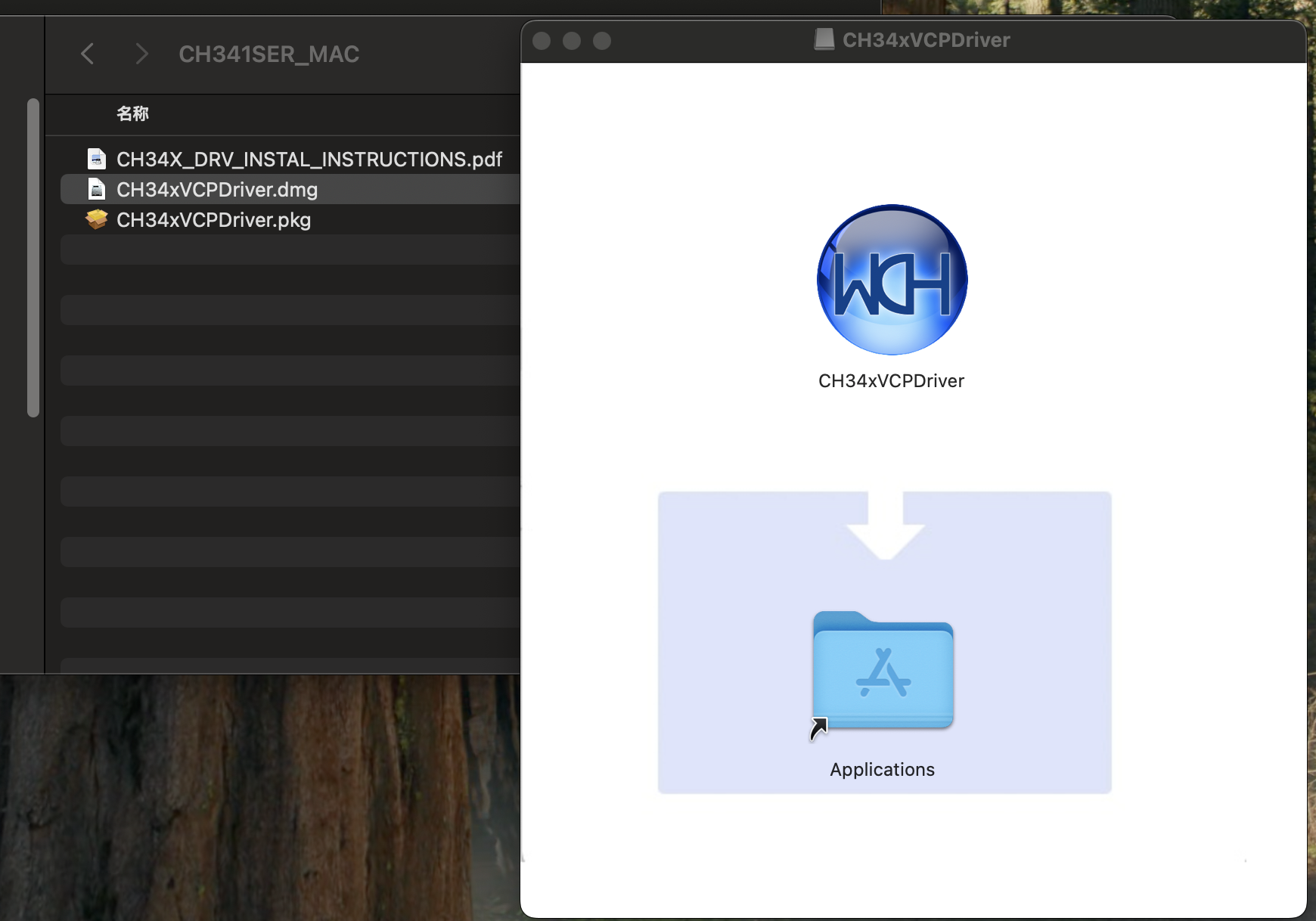
Open the .dmg file and drag CH34xVCPDriver into the Applications folder.
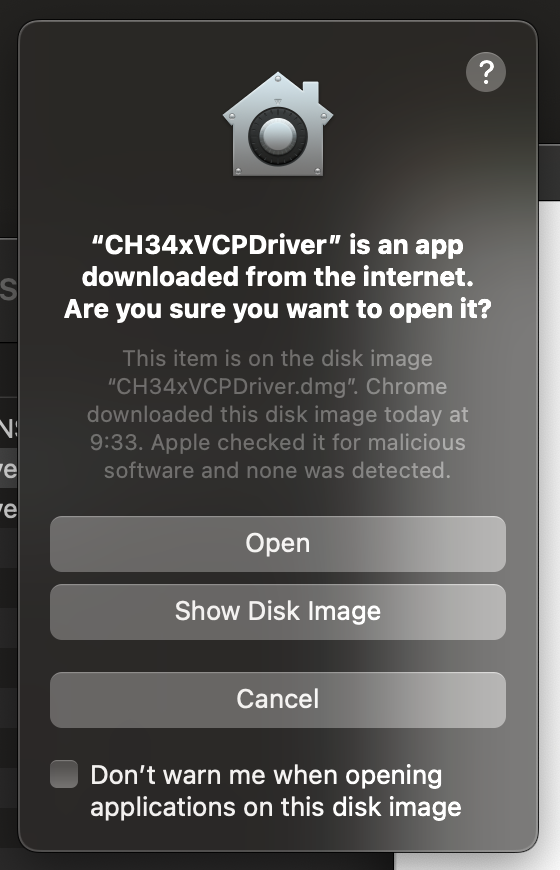
Allow the permission prompt
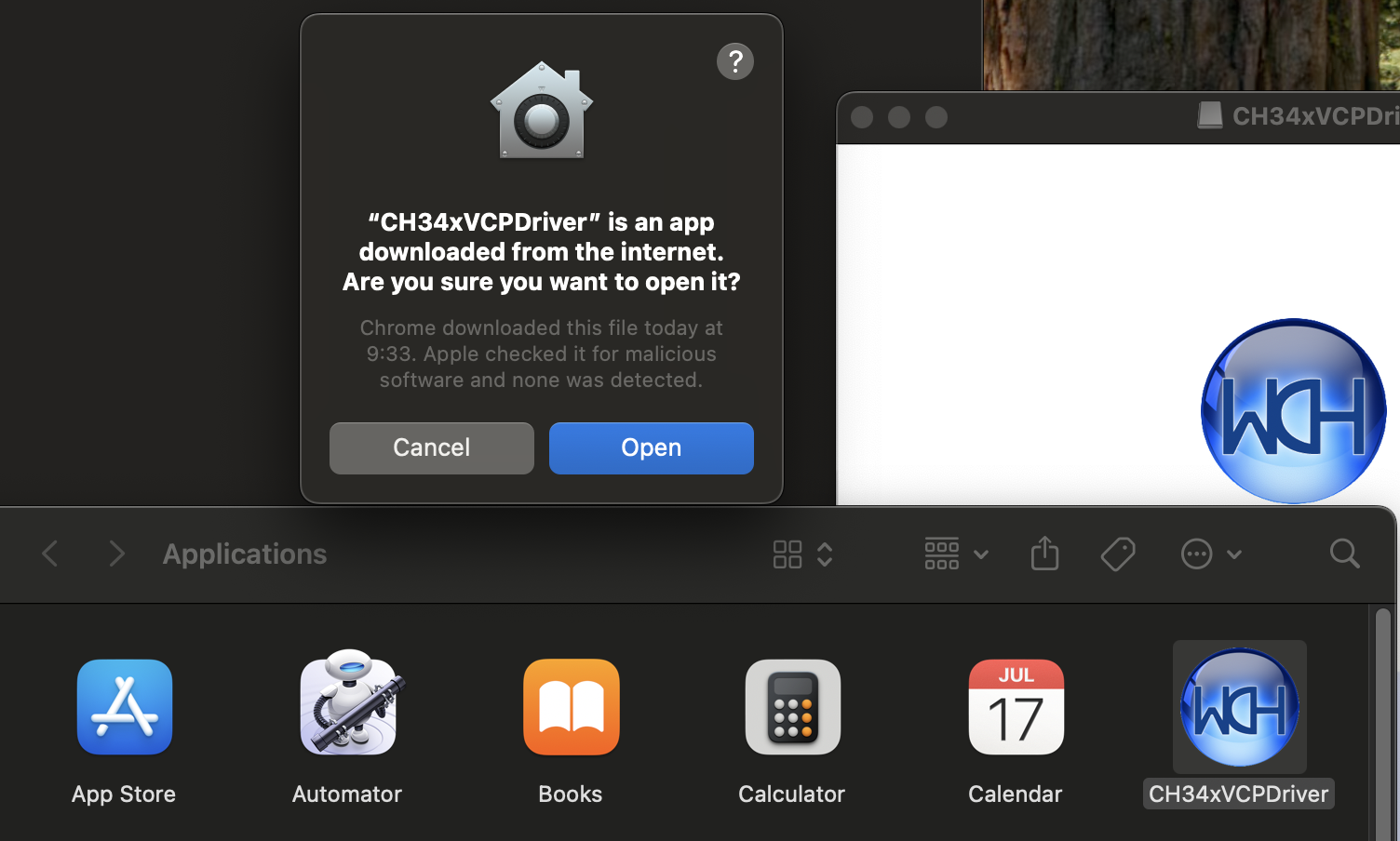
Open CH34xVCPDriver
Open Launchpad and find CH34xVCPDriver.
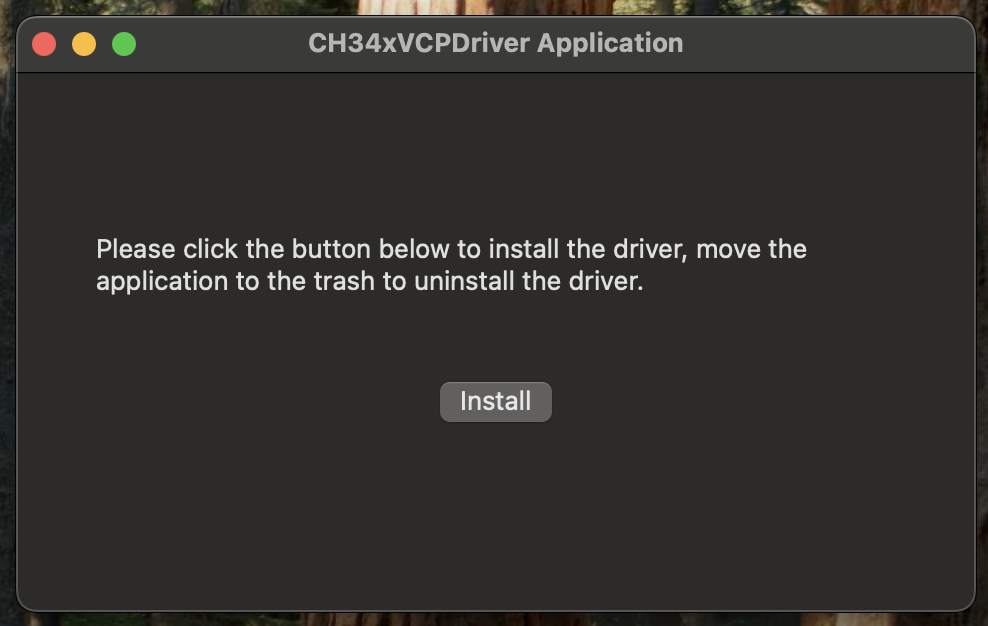
Install the driver
In the app, click Install.
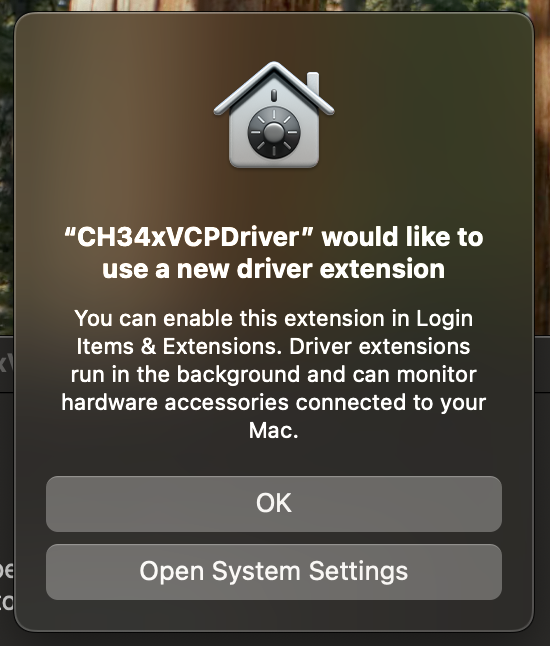
Allow the driver extension
When macOS asks, allow the driver.
Verify the device is detected
- Connect LightOne or QuadDrive to your Mac with a data-capable USB-C cable, using the device's power port.
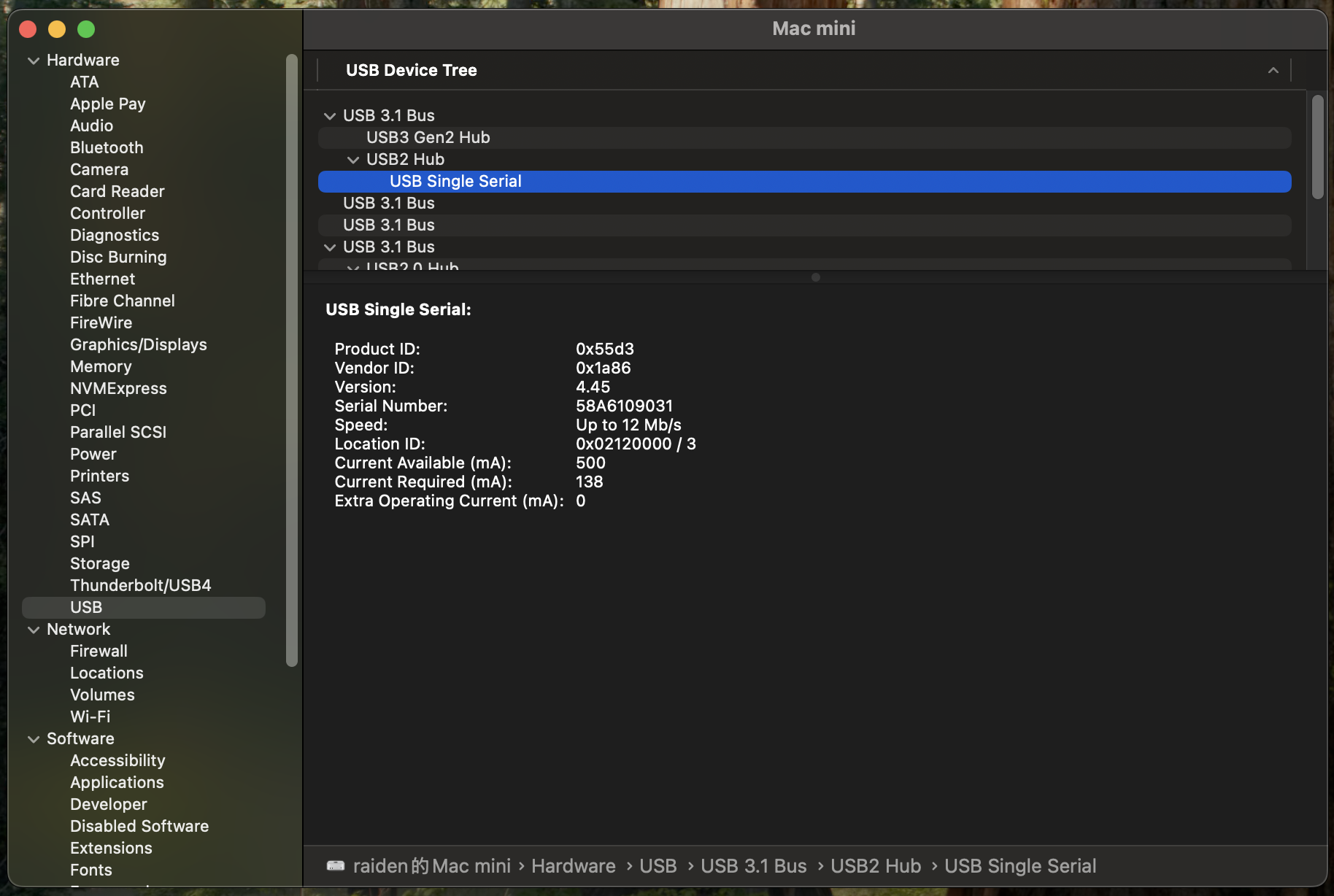
- Open System Information and go to Hardware → USB.
- In the USB device tree, look for a device with Vendor ID 0x1a86. If it's there, the driver is working.
Connect from the browser
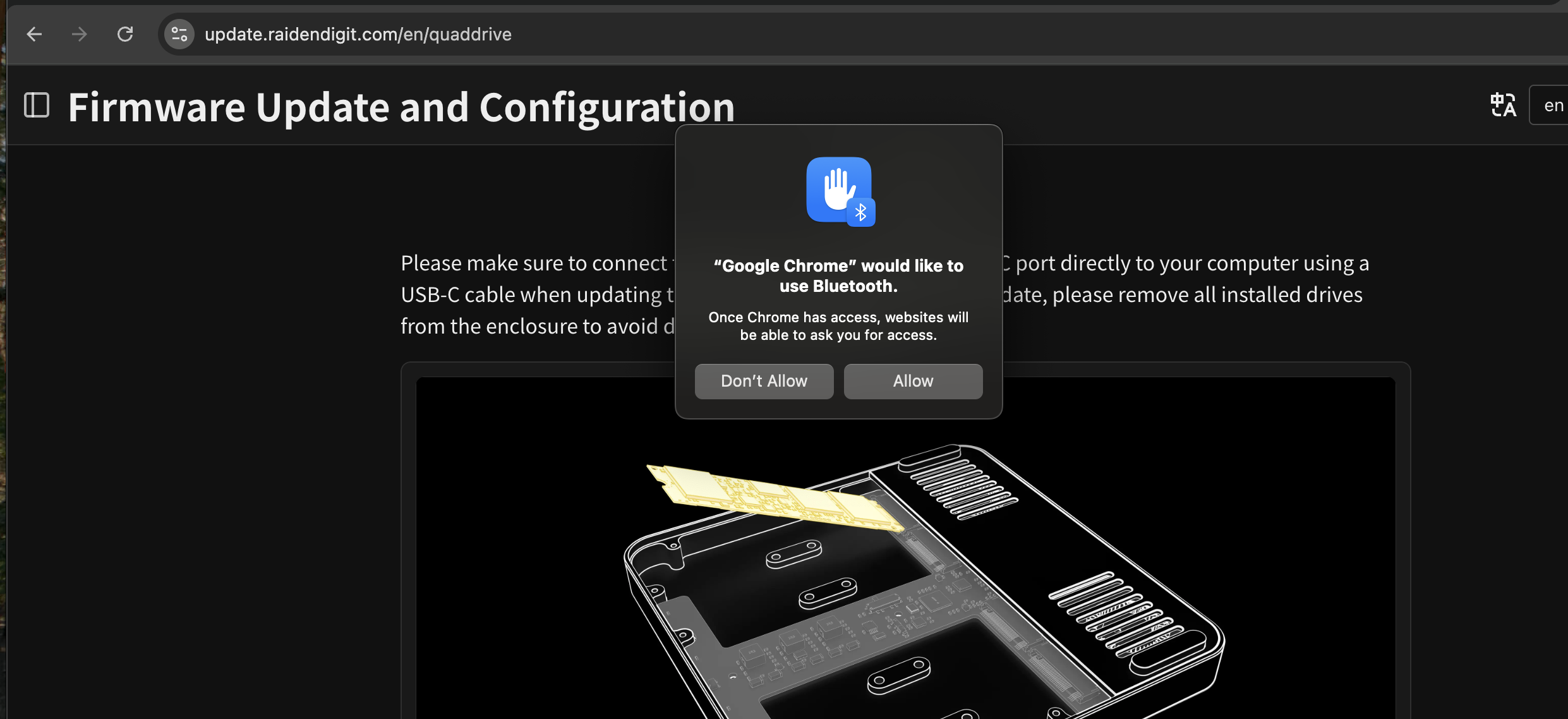
Open update.raidendigit.com in Chrome or Edge. When the browser asks to connect to a serial port, select the device and click Connect.
You can now update the firmware and change device settings from your browser.